Bolaking888 OTP safety starts with using a unique password, keeping every one-time code private, verifying the complete website address before logging in and contacting the listed support route when a message or request appears suspicious. A familiar logo or button is not enough to prove that a login page is genuine.
This guide explains practical checks that adults in Malaysia can complete before entering a password, responding to an OTP request or following an account-related link.
Why password and OTP safety matters
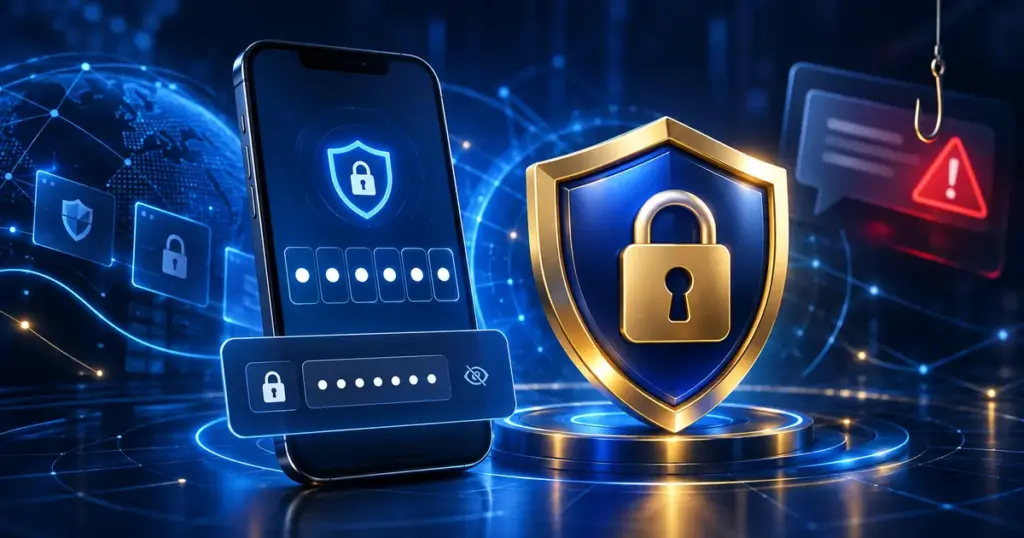
A password is the main credential used to enter an account. A one-time password, verification code or approval notification may provide temporary access or confirm an important action. If another person obtains both, they may be able to enter the account before the account holder notices the problem.
Scam messages often create urgency. They may claim that an account will be suspended, a promotion will expire or a payment requires immediate confirmation. Urgency should not replace verification.
Before responding, stop and check:
- Who sent the message.
- The complete link destination.
- Whether the request matches an action you started.
- Whether the page uses HTTPS.
- Whether the listed customer support route confirms the request.
Use a unique password
Do not reuse a password from email, social media, banking or another gaming account. If one service is affected by a data leak, reused credentials may be tested on other websites.
A stronger password should be long, difficult to guess and unrelated to public information such as a name, birthday, telephone number or username. A password manager can help create and store unique credentials without requiring the same password to be reused.
Avoid keeping passwords in an unprotected note, chat conversation or screenshot. Anyone with access to the device or cloud account may be able to read them.
Never share a one-time password
An OTP or verification code is intended for the person completing the account action. Do not send it through chat, social media, email or a telephone call, including to someone claiming to provide support.
If a code arrives when you did not attempt to log in, register a device, change a password or approve another action, do not enter or forward it. An unexpected code may mean that another person is trying to use your account details.
Record the time of the unexpected request, change the password from a trusted device and check the verified Customer Support page if further help is needed.
Check the complete login address
A copied page can reproduce a logo, colour scheme and login form while using a different domain. Always read the complete address shown in the browser rather than relying on the appearance of the page.
Look for:
- Unexpected spelling changes.
- Extra words or characters in the domain.
- A different domain ending.
- A browser certificate or privacy warning.
- Redirects to an unrelated destination.
Mobile browsers may shorten the visible address. Tap the address bar to display the complete URL before entering account information.
For a more detailed process, read How to Verify a Bolaking888 Access Link Safely.
Do not trust a link because of its button text
A button labelled “Login”, “Verify”, “Claim” or “Confirm” can point to any destination selected by the sender. The text of the button does not confirm where it leads.
Desktop users can usually hover over a link to preview its destination. Mobile users may be able to press and hold the link. If the destination is hidden, shortened or different from the expected route, do not continue until it has been checked.
Watch for common warning signs
A suspicious account message may contain one or more of the following signs:
- A request for a password or OTP.
- A threat that the account will close immediately.
- A promise of an unexpected reward for confirming account details.
- A request to install an unfamiliar application or browser extension.
- A payment request before support can investigate a problem.
- A link that uses a shortened or unrelated domain.
- Poorly matched account information or a message you did not expect.
One warning sign does not always prove that a message is fraudulent, but it is enough reason to stop and verify the request separately.
Protect the email and phone connected to the account
An account may depend on an email address or telephone number for password recovery and verification. Protecting only the gaming password is not enough if another person can access the connected email or SIM card.
Use a separate strong password for email, enable the available security features and review unfamiliar sessions or devices. Keep recovery details current so that legitimate security notices can reach you.
If a phone number suddenly loses service without explanation, contact the mobile provider before approving important account actions. Unexpected loss of service can sometimes indicate a SIM-related problem.
Be careful on shared and public devices
A shared computer, public device or unfamiliar Wi-Fi network may expose account information. Avoid saving passwords in a browser you do not control.
If using a shared device cannot be avoided:
- Do not select “remember me”.
- Do not save the password in the browser.
- Log out when finished.
- Close all related browser tabs.
- Do not leave screenshots or downloaded documents on the device.
- Review recent account activity later from a trusted device.
What to do after entering details on a suspicious page
Act promptly if a password, OTP or other account detail may have been exposed.
- Close the suspicious page.
- Use a trusted device and a verified route to change the affected password.
- Change any other account that reused the same password.
- Review email, account and device activity for unfamiliar access.
- Keep the complete suspicious URL and approximate time of the incident.
- Contact support through the route listed on this website.
Do not include a password, OTP, full card number or private identification document in a general support message. Describe the issue without exposing additional sensitive information.
How to contact support safely
Do not continue a conversation through an account that first sent a suspicious link. Open the verified Customer Support page separately and begin a new request.
Useful information may include:
- The affected username without the password.
- The date and approximate time.
- The complete suspicious URL.
- A screenshot with passwords, OTPs and payment details hidden.
- A short description of what was entered or approved.
Additional account protection guidance is available on the Bolaking888 Account Security page. For ordinary login problems that do not involve a suspected scam, use the Login Help page.
Quick OTP and password checklist
- Use a unique password for the account.
- Keep every OTP private.
- Check the complete domain before logging in.
- Do not follow unexpected urgent account links.
- Protect the connected email address and phone number.
- Avoid saving credentials on shared devices.
- Change exposed credentials promptly.
- Use the verified customer support route when uncertain.
Frequently asked questions
Should I share an OTP with customer support?
No. Treat an OTP as a private account credential. If someone requests it, stop the conversation and contact support through a separately verified route.
What should I do if an OTP arrives unexpectedly?
Do not enter or forward the code. Change the account password from a trusted device, check connected email security and review recent account activity.
Does HTTPS prove that a login page is genuine?
No. HTTPS protects the connection to a website, but an imitation website can also use HTTPS. Check both the secure connection and the complete domain.
Can I reuse my email password?
No. The gaming account and connected email should use different passwords. Reusing the same password increases the effect of a single credential leak.
Final reminder
Password and OTP safety depends on completing a few consistent checks before acting. Verify the address, keep temporary codes private and use a trusted support route whenever information conflicts.
Browse more practical account and safety information in the Bolaking888 Guides. This website provides access and safety information for adults aged 18 and above. Set personal limits and do not use gaming as a way to recover financial losses.